One device. No tablet. No extra hardware.
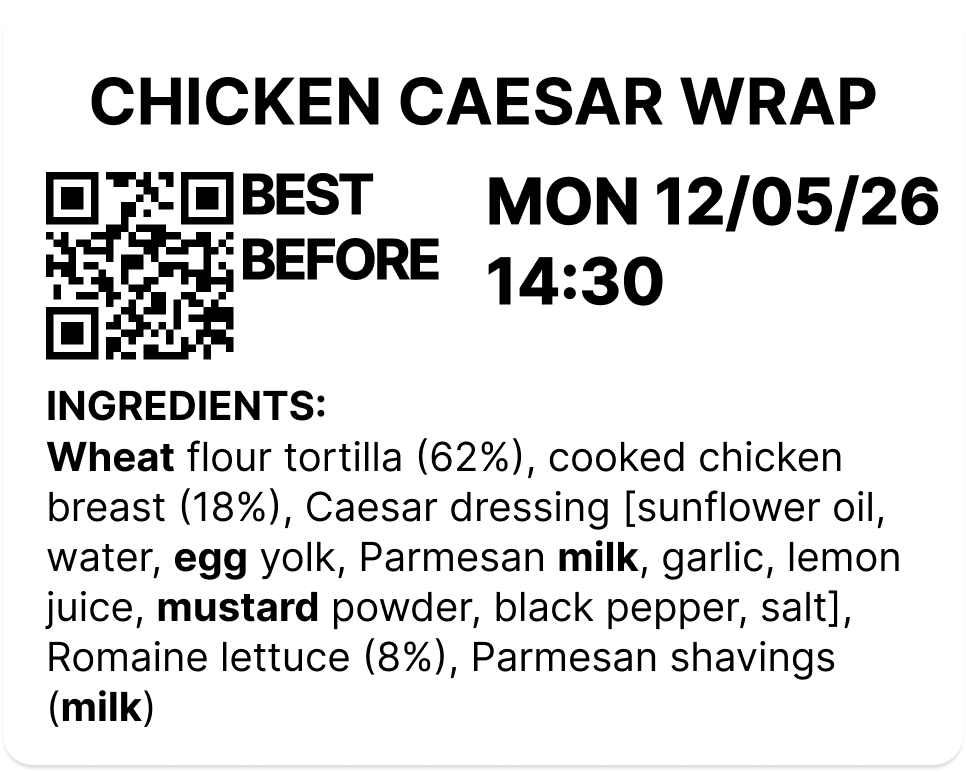
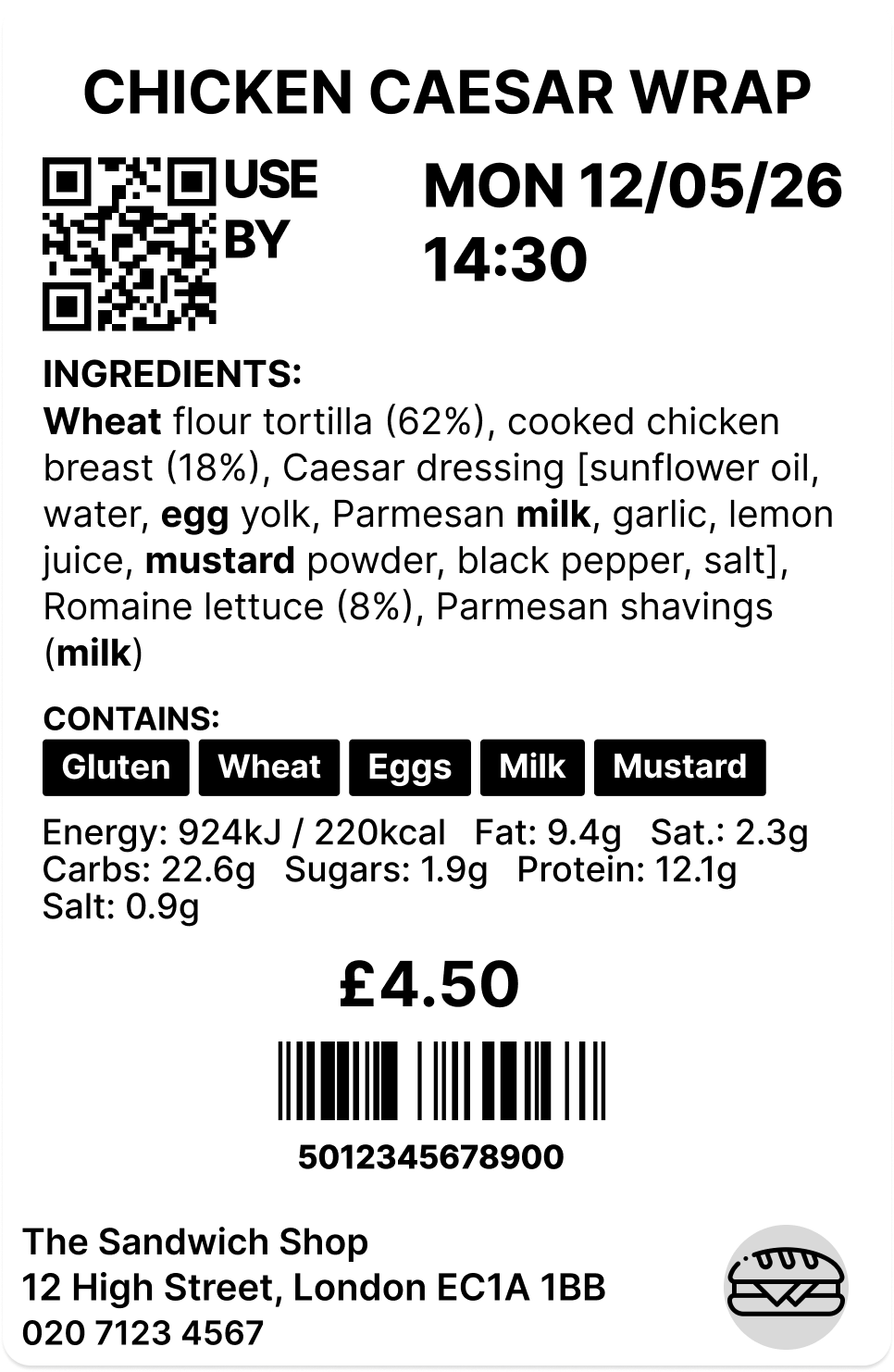
LabelFood Printer SV2 replaces your tablet, scanner, printer, and clipboards. Compliant Natasha's Law labels with all 14 allergens in bold. Keeps printing when the Wi-Fi drops. Every label audit-ready.
How it works
No technical knowledge required. The device arrives ready to use; you set it up once and your kitchen labels itself.
Unbox the device, connect to your kitchen WiFi, and pair it with your LabelFood account in seconds.
One device pairs to one branch. Scales from 1 device to 100+ across multiple locations, all managed from a single dashboard.
Build your catalogue the way that suits you: one product at a time, several row by row, an Excel import, or let AI read your existing menu and draft the list for you.
AI reads photos and PDFs of your menu, or a single product label, and fills the fields in — you review everything before it saves. Allergens are set per product. Natasha's Law compliant from day one.
Track label prints, waste records, and staff activity from the cloud dashboard, on any device, from anywhere.
Real-time expiry alerts per product (name + HH:mm). Scales to 100+ locations. Full activity log exported for EHO inspections.
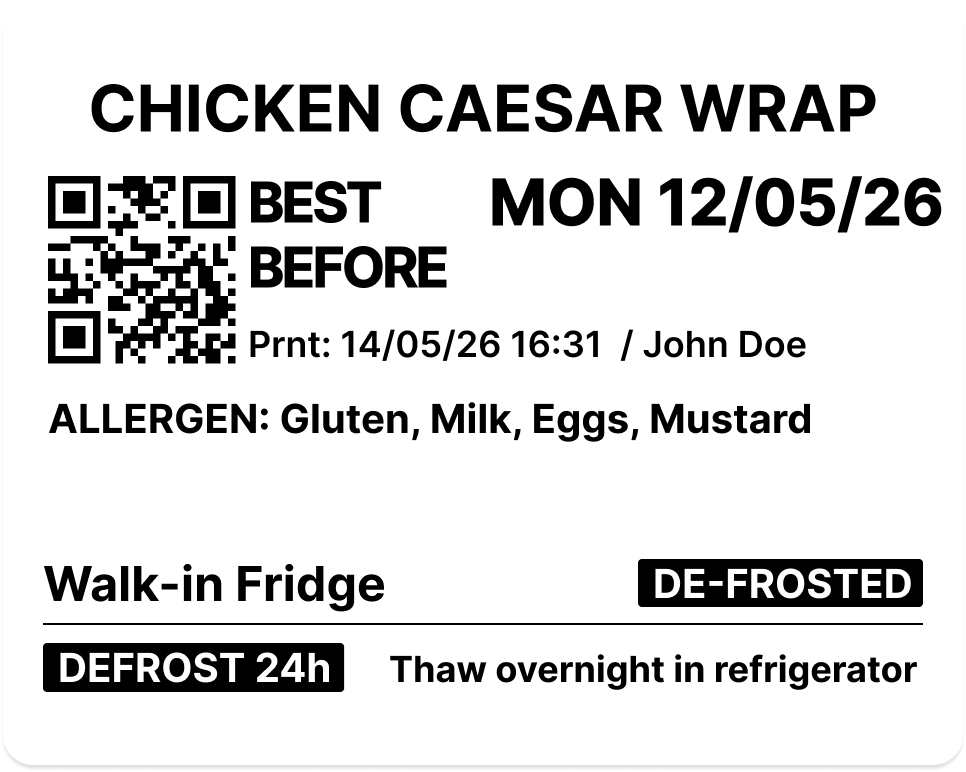
Pick quantity, set expiry, and print. Allergens are bolded automatically. Label is ready in seconds.
Pick quantity
One label or a full batch in a single job.
Set expiry date
Pre-filled from the product shelf life; adjust if needed.
Print label
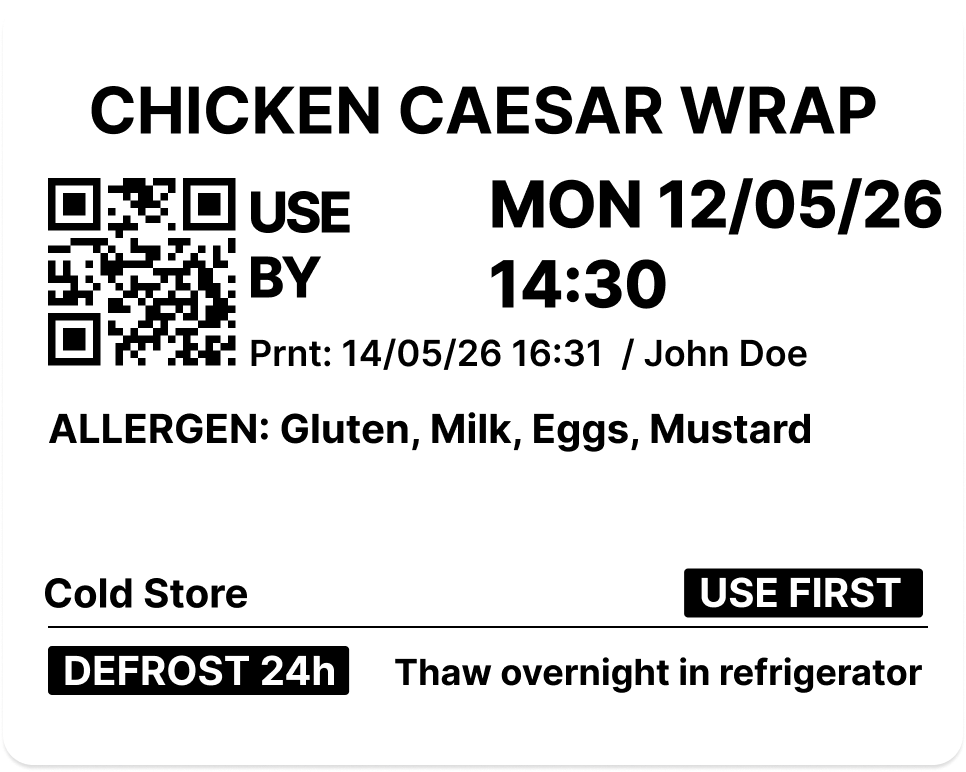
Allergens in bold, QR code on every label.
Kitchen staff open the app, scan a product barcode. The system instantly pulls up your pre-configured product label.
Batch scan mode: scan multiple barcodes in quick succession, then record waste for all at once.
Finished a product? Scan and record the waste with a reason and optional photo. Batch scan available for end-of-service.
Waste data syncs to the cloud; see exactly where food is being wasted and why. Full audit trail: every action timestamped.
Or see pricing plans , 14 days free, device included.
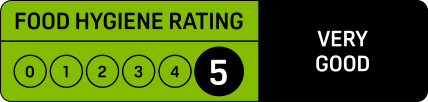
EHO & Food Hygiene Rating
An inspector asks for evidence, not explanations. Your rating is scored on three things, and one of them is simply whether you can prove what your kitchen did.
Preparation, cooling, storage, date labelling and stock rotation.
LabelFood evidences thisThe building, the equipment and the layout. Down to you alone.
Not something software can fixYour systems, checks and written records. Where most points are lost.
LabelFood evidences thisWhen was this prepared, and when does it expire?
Printed on the label and kept in your dashboard. Expiry comes from the product's shelf life, never guessed.
Who labelled this?
Every print is attributed to the staff member signed in on the device at the time.
What did you throw away, and why?
Waste records carry a reason, optional notes and a photo, broken down by cause.
Show me the last three months.
The Compliance Pack covers 7, 30 or 90 days and exports as one branded PDF.
Nothing to prepare the night before an inspection. The records build themselves.
See what an inspection asks forOfficial Label Rolls
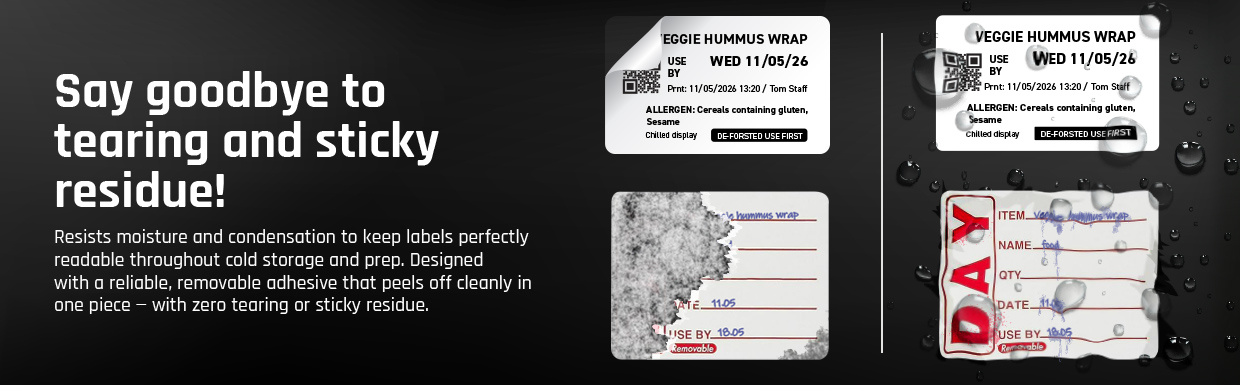
Most kitchens try third-party rolls first. They jam, they tear on removal, and they don't hold in cold storage. Handwritten labels aren't much better: they smudge, take time, and are hard to read mid-service.
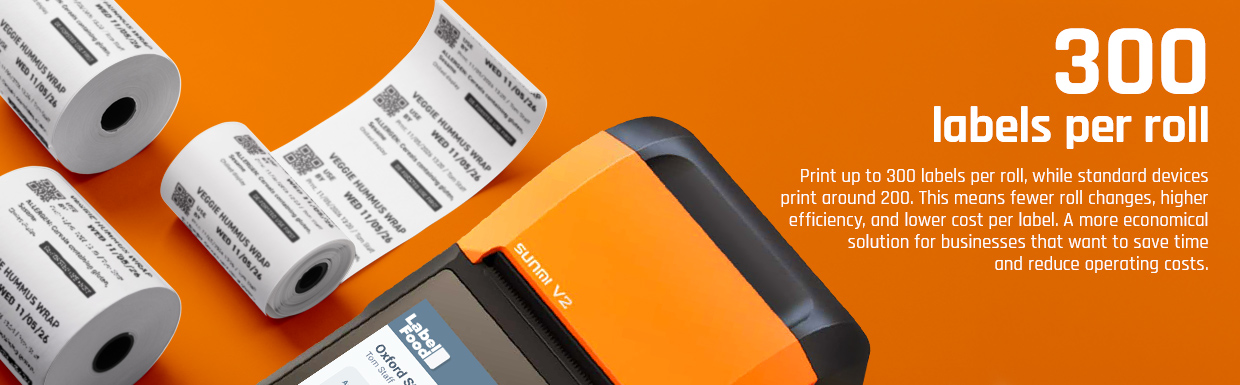
Our rolls are made specifically for the LabelFood Printer SV2 — tested in real kitchen conditions, with a removable adhesive that stays put in the freezer and peels cleanly every time. At 0.87p per label, they also cost significantly less than ordering custom labels from a supplier. See how the cost compares →
Print stays sharp in cold displays, fridges, and hot prep surfaces. No fading or smearing mid-service.
Made to fit the LabelFood printer exactly. No jams, no mis-feeds, no wasted labels.
How our rolls compare
Delivered to your kitchen
Order from your dashboard or device
VAT invoice included
Emailed automatically after each order
£2.60 per roll · 300 labels
0.87p per label
Print fully compliant allergen labels for all 14 UK allergens, highlighted in bold on every label. Natasha's Law (PPDS) compliant. Nutrition facts available on the Annual plan.
Allergens are set per product in the dashboard. The system won't let you print without them.
Every label is tracked individually in the cloud with its exact expiry time. Unique QR code and label ID on every print; scan to retrieve instantly.
Dashboard shows live expiry status. Expiry alerts appear on the device home screen before labels actually expire so staff can act early.
Create bulk label jobs from the cloud dashboard: select products, set quantities, and the device prints all labels in sequence. Perfect for morning prep.
Batch scanning lets staff scan multiple barcodes in quick succession and log waste for all of them at once with a single reason and note.
Manage your full product catalogue from the cloud dashboard. Set ingredients, allergens, storage conditions, and expiry rules per product.
Getting products in is the part most kitchens dread, so there are several ways to do it: add one at a time, add several row by row, import an Excel file, or let AI read photos and PDFs of your existing menu and turn them into a product list you review before saving. AI can also fill a single product in from a photo of its label. Staff can request new products from the device with a photo for manager review before they go live.
Record waste from the device or dashboard: reason, notes, and photo. Dashboard analytics show waste breakdown by reason so you can spot patterns and reduce losses.
Label reports cover the last 90 days: total printed, live, expired, and removed labels. Essential for EHO inspections and compliance audits.
Some products go straight to the shelf. Others are made fresh each service. LabelFood handles both.
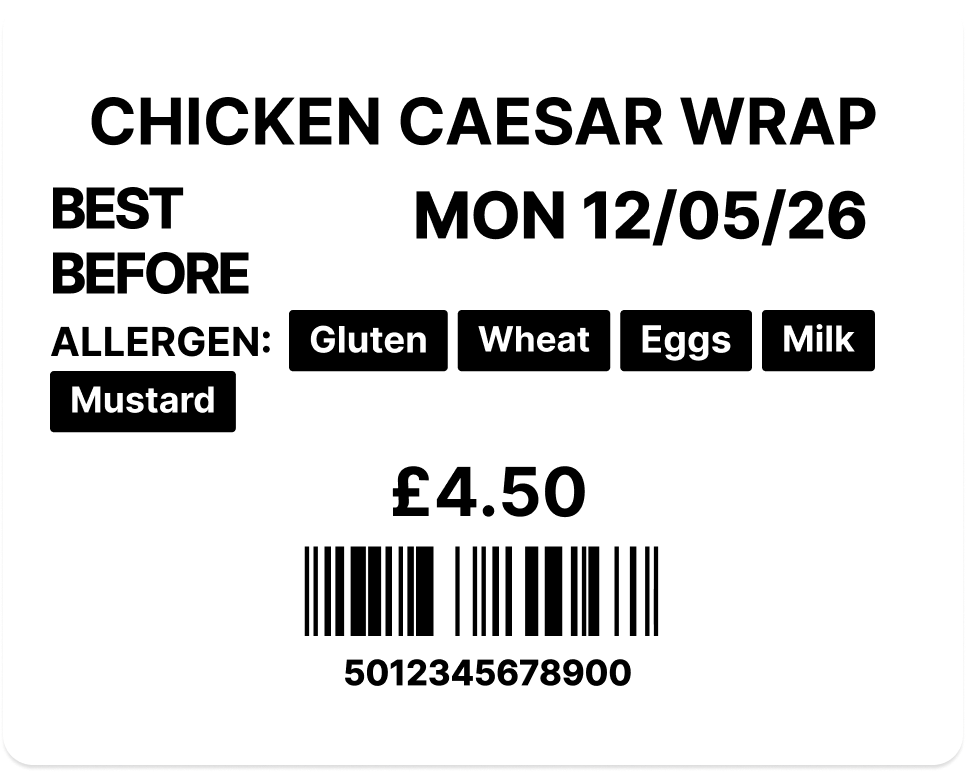
Prep labels carry full allergen information, Natasha's Law compliant by default. Sales labels follow a separate flow for retail or display items. Set the type once per product; the device applies the right format automatically.
Now Available
The LabelFood iOS app gives every team member their own terminal. Managers monitor from anywhere; staff prepare tasks from their phone and print from the device.
Blog
Practical guides on Natasha's Law, PPDS compliance, and food labelling for UK food businesses.
Use our Natasha's Law audit checklist to automate compliance for 2026. Ditch risky manual labelling and protect your UK kitchen with our 5-step digital guide.
Read article →Avoid fines with our 2026 guide to catering allergen labels UK. Master Natasha's Law, the 14 allergens, and automate your workflow for foolproof compliance.
Read article →Ditch manual errors with a commercial kitchen labeling system UK. Discover how to automate Natasha's Law compliance and achieve stress-free EHO audits.
Read article →Master UK compliance for prepacked for direct sale labels. Our 2026 guide covers legal rules, allergen emphasis, and moving from manual to digital systems.
Read article →Your guide to food labelling hardware UK. Ditch manual errors, reduce waste, and ensure full compliance with Natasha's Law for an audit-ready kitchen.
Read article →Learn how to reduce food waste in your commercial kitchen with our 2026 checklist. Cut costs, automate labelling, and boost profits with data-driven strategies.
Read article →FAQ
Everything you need to know about LabelFood
Still have questions? Get in touch — we reply within 24 hours.